USB or AP. One verified pipeline.
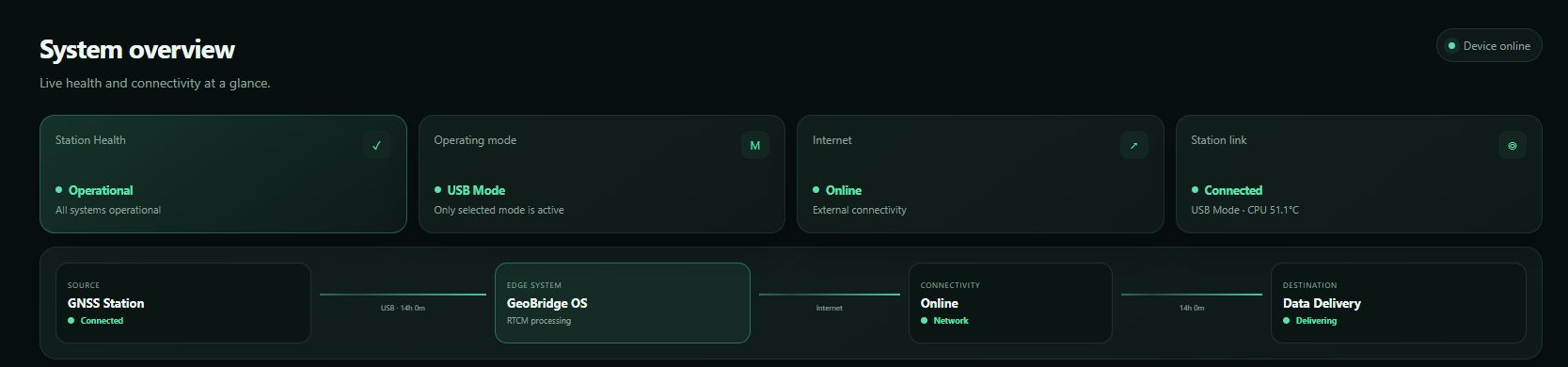
Mode-specific acquisition stays at the edge. After the shared buffer, validation, health and delivery follow one standard path.
↗GeoBridge OS turns a supported Raspberry Pi into an observable, recoverable RTCM appliance—with guided setup, honest live health, read-only diagnostics and controlled OTA.
THE PRODUCT
GeoBridge OS replaces fragile one-off scripts with a repeatable field operating model. It shows what is healthy, what is stale and which layer needs attention.
Mode-specific acquisition stays at the edge. After the shared buffer, validation, health and delivery follow one standard path.
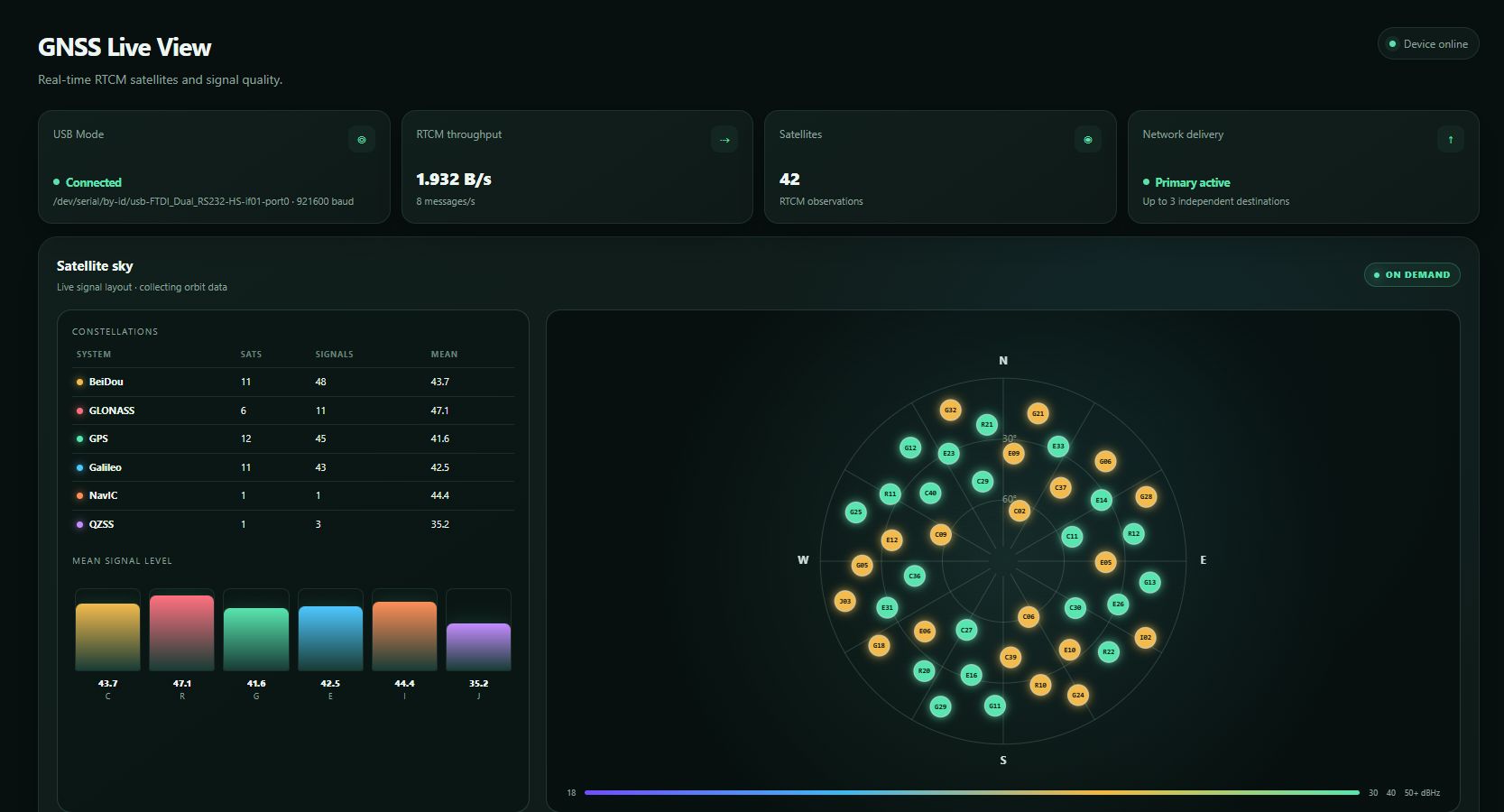
↗Freshness, RTCM groups and up to three independent delivery channels are presented as evidence—not a generic green status light.
↗A read-only diagnostic checks system, network, license, receiver, buffer, delivery and OTA without changing the running station.
↗Bounded service recovery and real USB power cycling restore supported receivers while keeping the bridge reachable whenever possible.
↗Host and Admin views separate safe daily operation from technical diagnostics, recovery controls and support details.
↗Immutable, verified OTA packages move through staged gates. Failed health checks stop rollout and preserve rollback evidence.
↗ONE DATA PATH
USB and AP keep their own acquisition and recovery logic. The moment RTCM reaches the shared buffer, every station uses the same validation, health and delivery pipeline.
OPERATIONAL VALUE
GeoBridge is built around continuity, evidence and repeatability. It does not promise rewards; it helps operators reduce avoidable data-path downtime and manage more sites with less uncertainty.
Detect stale RTCM, broken delivery and receiver-side faults before an unnoticed outage consumes the day.
Freshness + sent/ack evidenceSend a verified correction stream to as many as three independently observed destinations without duplicating the acquisition stack.
Up to 3 delivery channelsUse one stable image, controlled OTA, consistent health language and Telegram visibility across repeatable deployments.
Same operating model per siteNetwork rewards, token values and third-party availability can change. GeoBridge improves operational visibility; it does not guarantee earnings.
ONO ESTIMATOR
Adjust the number of stations and the daily token estimate. Live ONO pricing is requested from CoinGecko; the result is an illustration, not a reward or income promise.
—
—
—
Important: 28–30 ONO/day is an editable high location-score example, not a guaranteed rate or universal maximum. Actual rewards depend materially on the station's location score as well as network rules, data quality, uptime, validation and third-party changes; they can be lower, delayed or zero. Prices are volatile.
SUPPORTED STATION PROFILES
GeoBridge OS standardizes how supported GNSS stations are connected, observed and maintained while preserving the requirements of each hardware profile.

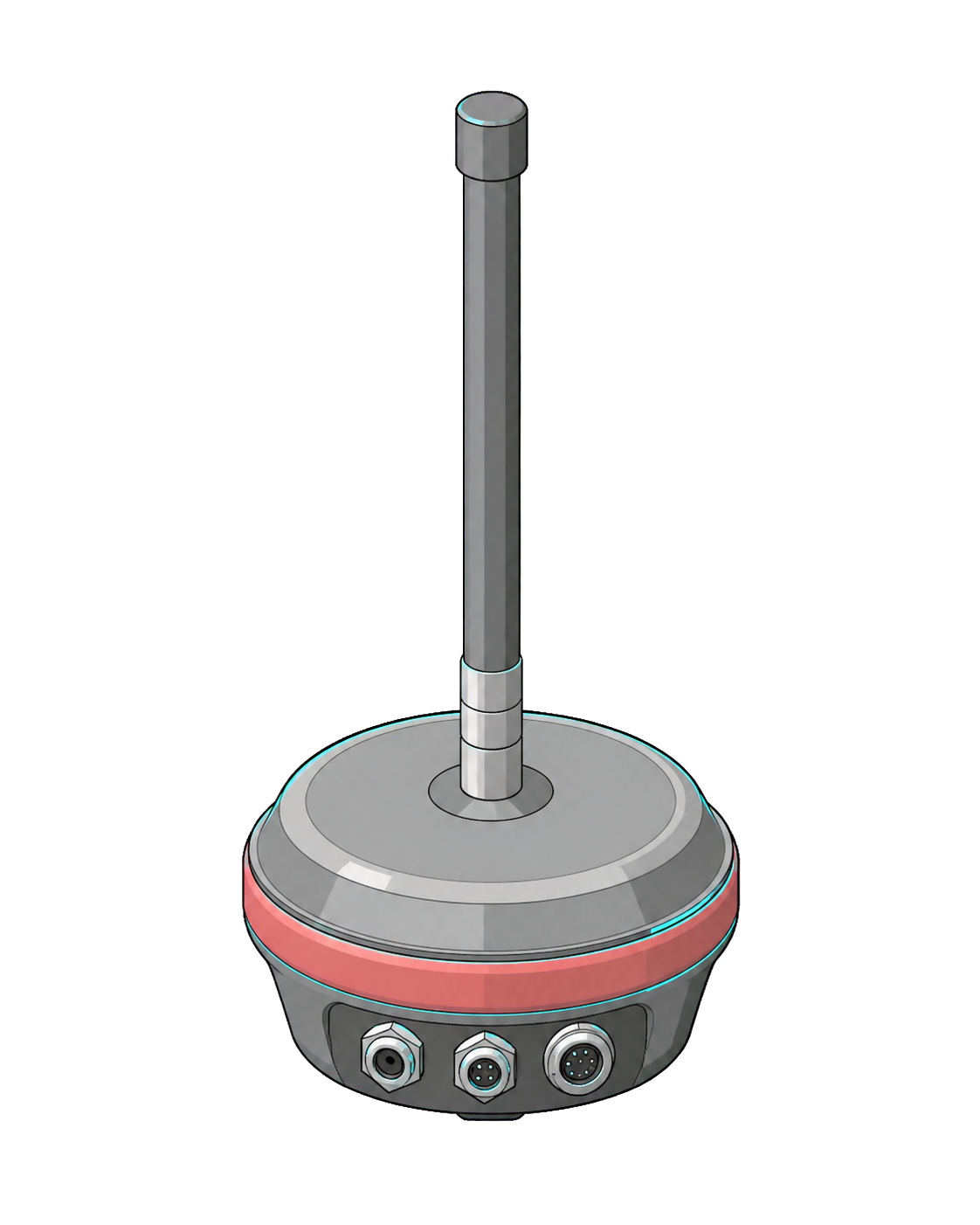
A supported compact station profile for deployments where size, simple installation and a consistent RTCM path matter.

A supported fixed-site station profile for remote installations that need clear connectivity and operational status.
Support depends on the validated hardware and firmware profile. GeoBridge does not replace or modify the station firmware.
DEPLOYMENT FIT
Support is based on a complete combination—not a model name alone. We confirm the station profile, Raspberry Pi, acquisition mode and connectivity before deployment.
Maintained profiles with model-specific acquisition and recovery boundaries.
Validated profilesThe current stable image supports all four platforms. Raspberry Pi 4 and Pi 5 are recommended for new deployments.
One stable operating layerEach mode keeps its own input logic before joining the shared RTCM pipeline.
Mode-specific checksHost visibility, protected Admin access, Telegram monitoring and controlled OTA.
Role-aware accessSend the station model, bridge hardware, preferred connection mode and fleet size. We will confirm the supported path before you deploy.
Check deployment fit ↗OPERATIONS CONSOLE
The console separates a working process from a working data path. Daily users see a clean answer; support can inspect each layer without exposing raw system details.


SECURE LOCAL ACCESS
GeoBridge separates everyday visibility from technical changes. Each role uses its own password and receives only the controls it needs.
Health, Live View, uptime, connectivity and delivery status stay easy to reach without exposing recovery or system controls.
A separate admin password unlocks diagnostics, configuration, support snapshots and protected recovery actions.
GEOBRIDGE CLOUD BOT
A simple, read-only companion for owners and customers. Add a device with its license code, give it a nickname, share selected sites and receive useful alerts without notification storms.
FIELD RESILIENCE
Recovery is successful only when RTCM and delivery counters move again—not when a service merely says “active”.
Separate missing GNSS data, USB disconnect, stale network and delivery failure.
Keep mode-specific recovery before the shared pipeline so one path cannot corrupt the other.
Use bounded service recovery or supported USB power cycling with cooldown protection.
Require fresh RTCM plus advancing sent and acknowledgement counters before PASS.
FROM ZERO TO STREAM
GeoBridge confirms the platform before configuration begins.
Select one acquisition mode. The remaining pipeline stays identical.
Example values are entered automatically for this demonstration.
The device identity and optional remote access are configured together.
The real setup uses standard NTRIP destination fields.
Admin and optional Host access remain separate.


Write the stable GeoBridge OS image to an SD card.
Insert the card into the Raspberry Pi and switch it on.
Connect your phone to the GeoBridge-Setup Wi-Fi network.
Follow the guided steps and continue directly to the live dashboard.
BEFORE YOU CLIMB
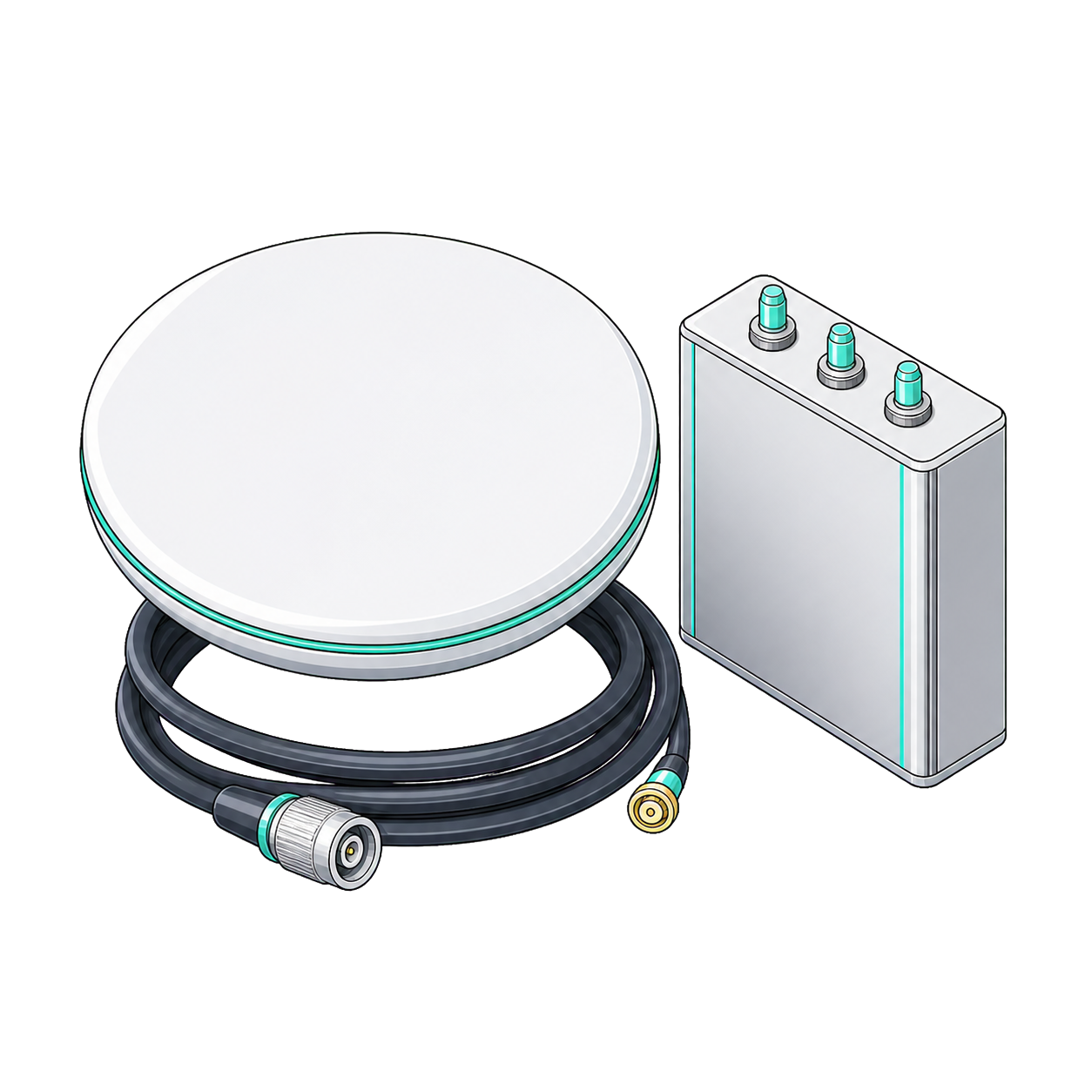
Reliable deployments begin with ordinary components selected carefully. Confirm the complete kit while you still have a desk, screen and spare cable nearby.
Supported Raspberry Pi with the current GeoBridge OS image.
A correctly rated, reliable power supply with enough headroom for attached hardware.
A real USB data cable for USB Mode or a confirmed dedicated network for AP Mode.
Internet access, license code, destination credentials and local access passwords.
LICENSE & SUPPORT
GeoBridge is supplied per supported deployment. Commercial terms depend on fleet size and the confirmed hardware profile, so operators pay for a path we can actually support.
Request deployment terms ↗READY WHEN YOUR SITE IS
One stable base. One predictable setup. One evidence-driven way to operate every site.
Plan a deployment ↗REQUEST GEOBRIDGE
Share the size of your fleet and what you need. We will review the request and reply from info@geobridge.network.
QUICK ANSWERS
No. GeoBridge runs on a separate bridge device and does not require a station firmware change.
The current GeoBridge OS release supports Raspberry Pi 3, Raspberry Pi 4, Raspberry Pi 5 and Raspberry Pi Zero 2 W. Raspberry Pi 4 and Pi 5 are recommended for new deployments.
Yes. Join the GeoBridge-Setup network and follow the guided first-time setup.
GeoBridge distinguishes a receiver-data problem from a USB disconnect, applies bounded recovery where supported and verifies that RTCM delivery actually resumes.
Daily Host views stay intentionally limited. Technical diagnostics and recovery actions remain separated in the Admin support surface.
Approved releases are delivered through controlled OTA channels after staged validation.
Yes. GeoBridge uses a consistent device identity, health model and update path across supported deployments. Fleet and volume requirements are reviewed before rollout.
No. Rewards, prices and third-party network availability are outside GeoBridge's control. The product is designed to improve data-path continuity, observability and recovery.
No web-account password is required. The device uses only the connection details needed for destinations that the operator chooses to configure.
The supported deployment path includes the stable image, guided setup, device console, approved OTA updates and the monitoring surfaces described above. Exact commercial terms are confirmed for each fleet.
The operator controls whether optional remote connectivity is enabled. Customer-facing Host access remains separate from protected technical administration.